
Location & machine visibility
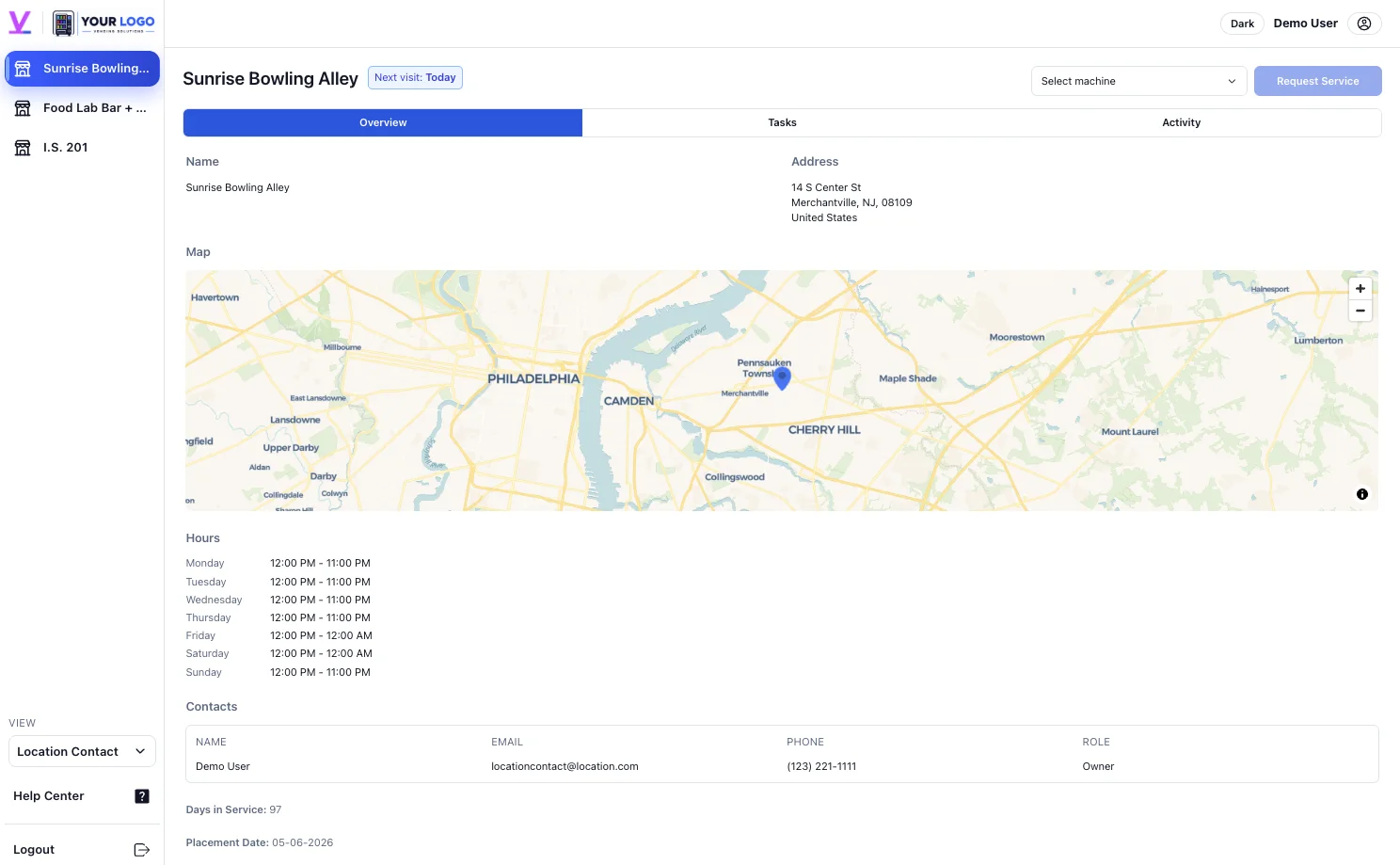
Find the locations and machines linked to your account, along with the location details and service information shared with you.

Your space. Our machines. Shared revenue.
Bring entertainment to your venue with a revenue-sharing arrangement and your own online partner account. See your location, follow your commission history, and reach our team when you need us.
Talk About Your LocationAlready a partner? Sign in to your account ↗
How revenue sharing works
You provide the space, and Pro Claws provides the machines, prizes, installation, and ongoing service. You receive the commission agreed for your location.
Before setup, we walk through your commission terms, how earnings are calculated, the payment method, and the payout schedule.
We install and operate the machines, handle prize replenishment, and take care of maintenance. You focus on running your venue.
Use your partner account to review commission history, location activity, and shared reports, so the partnership is easy to follow.
Your own online account
We invite you to your partner account as part of setup. The web portal and mobile apps bring your location information, shared activity, and commission details into one place.
Find the locations and machines linked to your account, along with the location details and service information shared with you.
See shared visit and task information, follow activity at your location, and send a service request when a machine needs attention.
Review your location’s commission activity over a selected date range and keep track of the financial information shared with your account.
Download commission history as PDF or spreadsheet reports for your records. Your location account keeps the information close to the partnership.
A quick scan. A direct connection.
The service QR code on a machine opens a request form for that equipment. Let us know about a refill, a repair, cleaning, or a payment issue without waiting for the next visit.
You can also open a service request from your partner account.
See Service & Support OptionsWeb, iPhone & Android
Check in on your location, review commission information, and access service requests through the Vendistri web portal or mobile apps.
Use the partner account we invite you to during setup.
Your next crowd favorite
One machine, a small setup, or a full arcade. Tell us what you have in mind.